Data Privacy Notice: Buying or selling an individual’s personal information is illegal — we respect data privacy and never provide, offer or sell personal (individual) data to anyone. Reselling data purchased from us is a punishable offence under Indian Copyright Law.
B2B Companies Data
GST & Registration Data
Industry & Trade Data
City & State Wise Data
Professional & Service Data
International Buyers & Sellers
Exhibitors & Combo Packs
What are the steps to download e Way Bill data from GST portal?
Published 2026-08-04
⏱ 5 min read
What are the steps to download e Way Bill data from GST portal? In today’s digital era, seamless business operations often rely on efficient data management, particularly for those involved in logistics and supply chain management. The Goods and Services Tax (GST) portal provides essential tools for businesses registered under GST regulations, including the ability to download e Way Bill data. Enhancing transparency, the e Way Bill is an electronic document required for the movement of goods worth over a specified amount. Knowing how to access and download this information can significantly streamline your business processes.
In this article, we will break down the steps in a straightforward manner, so you can easily navigate the GST portal and retrieve your e Way Bill data. Whether you’re a small business owner or part of a large corporation, following these steps will help you manage your logistics more effectively and comply with GST regulations.
Step 1: Access the GST Portal
The first step in downloading your e Way Bill data is accessing the GST portal. The URL for the GST portal should be bookmarked for quick access. Typically, it’s advisable to use a reliable web browser to avoid any issues.
A seamless connection to the GST portal can be the difference between efficiency and inefficiency in managing e Way Bills.
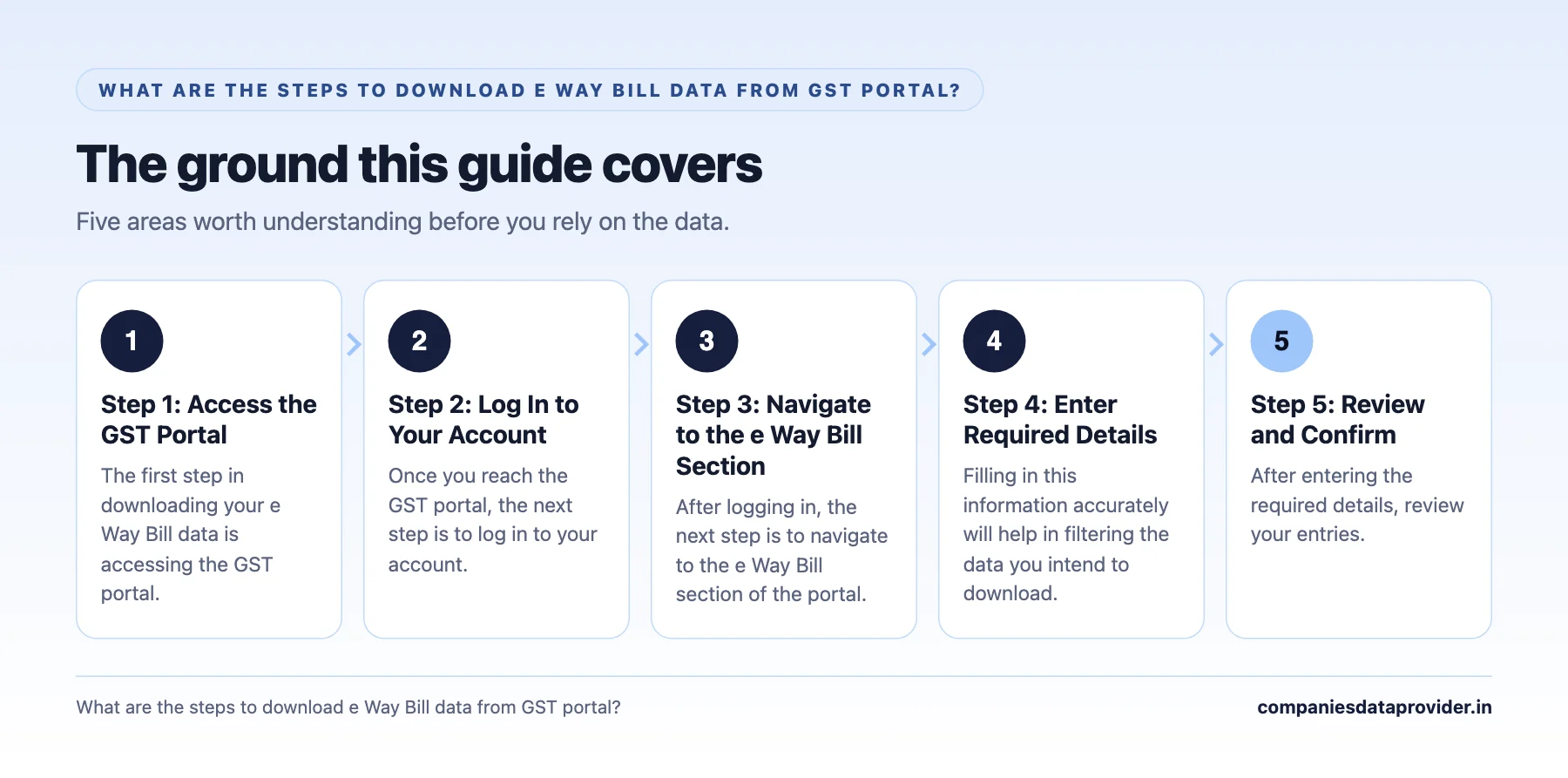
Step 2: Log In to Your Account
Once you reach the GST portal, the next step is to log in to your account. Use your credentials which include your GSTIN and password. If you’ve forgotten your password, there’s an option to reset it. Make sure that your credentials are correct to avoid login issues.
Upon successful login, you’ll be redirected to your account dashboard. This dashboard is your control center for accessing various functionalities within the GST portal.
Step 3: Navigate to the e Way Bill Section
After logging in, the next step is to navigate to the e Way Bill section of the portal. This can typically be found under the ‘Services’ menu. Look for the option related to e Way Bill generation or tracking.
Clicking on this section will provide options related to your e Way Bills that have been generated or should be tracked. Familiarizing yourself with this section is essential, as it will be your primary area for further tasks.
Step 4: Enter Required Details
To retrieve your e Way Bill data, you will need to enter certain details, such as the date range, e Way Bill number, or any other relevant identifiers. Filling in this information accurately will help in filtering the data you intend to download.
Ensure that you double-check the information you input, as incorrect entries could lead to insufficient or incorrect data retrieval. For instance, if you know the specific e Way Bill number, inputting it directly can streamline your search.
Step 5: Review and Confirm
After entering the required details, review your entries. It’s important to confirm that all information is accurate before proceeding. A quick double-check at this point can save time later by ensuring the data you download is exactly what you need.
Once you have verified your inputs, proceed to confirm the search criteria. This may involve clicking a ‘Search’ or ‘Submit’ button on the portal.
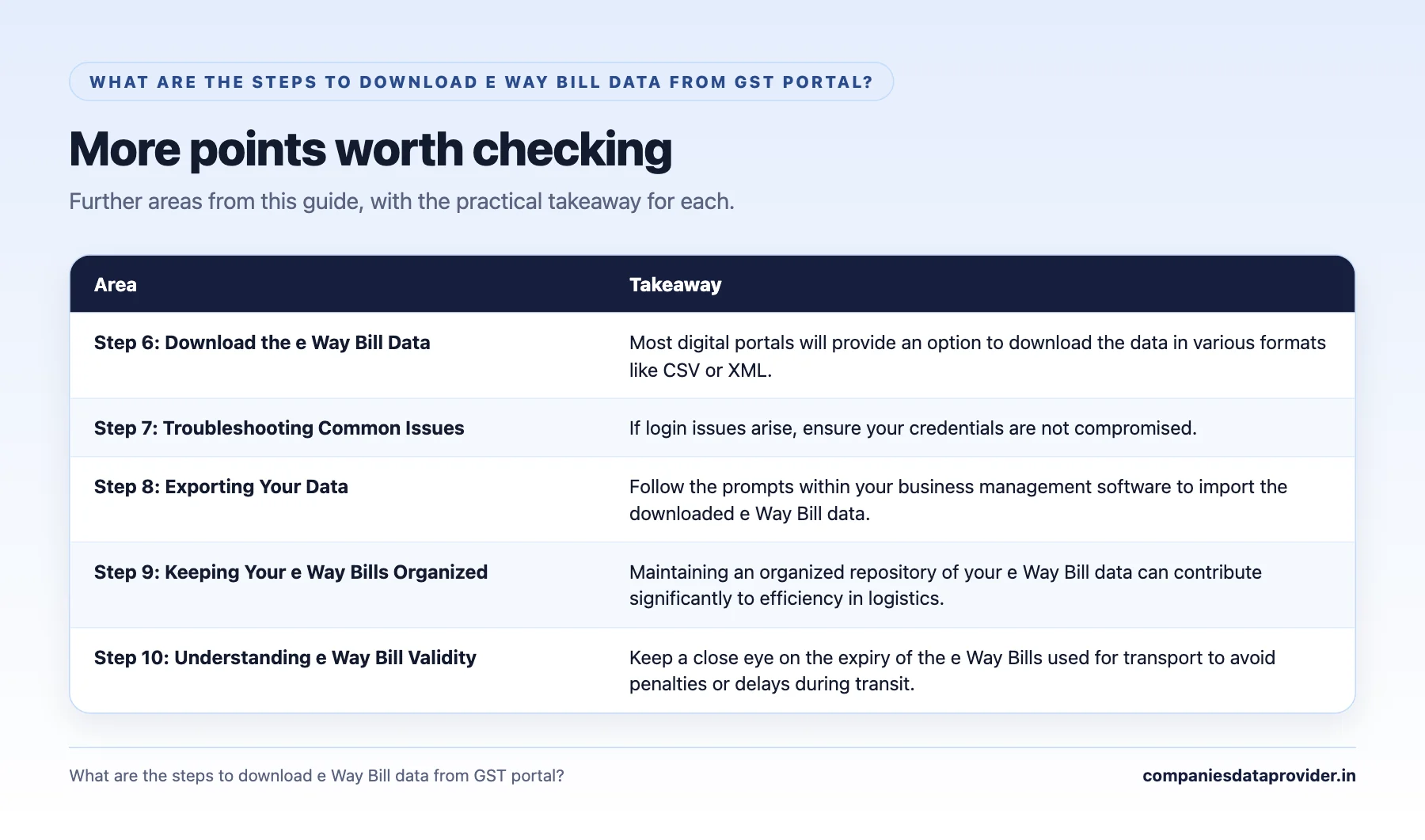
Step 6: Download the e Way Bill Data
When you receive the search results, you will see a list of relevant e Way Bills. Take your time to scroll through the list and identify the entries that you wish to download.
Most digital portals will provide an option to download the data in various formats like CSV or XML. Select your preferred format and click the download button. Your e Way Bill data will be saved to your computer, allowing you to analyze it further.
Step 7: Troubleshooting Common Issues
Occasionally, users may encounter issues when attempting to download data from the GST portal. Common problems include login errors, data retrieval failures, or issues downloading files.
If login issues arise, ensure your credentials are not compromised. For data retrieval, consider simplifying your search criteria. If downloads are still failing, a simple refresh of the page can resolve many minor technical glitches.
Step 8: Exporting Your Data
Once you have downloaded your e Way Bill data, you might want to export that information into existing business software to streamline operations. Most business software are compatible with common file formats like CSV and Excel.
Follow the prompts within your business management software to import the downloaded e Way Bill data. This enables you to track logistics and billing more effectively.
Step 9: Keeping Your e Way Bills Organized
Maintaining an organized repository of your e Way Bill data can contribute significantly to efficiency in logistics. Designate a specific folder on your computer for storing e Way Bills, and label each file according to date or customer to simplify retrieval during audits or checks.
Using a systematic naming convention allows your team to find the necessary documents quickly and simplifies any reporting or compliance activities needed later.
Step 10: Understanding e Way Bill Validity
It’s crucial to be aware of the validity period of e Way Bills, which is generally set at 15 days for inter-state transport. Understanding these timelines helps manage logistics and ensures compliance with GST regulations.
Keep a close eye on the expiry of the e Way Bills used for transport to avoid penalties or delays during transit.
Step 11: Integrating with Your Business Software
Many businesses today use different software solutions for various operational needs. Integrating e Way Bill data with your existing CRM or ERP systems can enhance overall efficiency.
Identify the software solutions already in use within your organization and consult with IT professionals to develop an integration plan that maximizes the benefits of using e Way Bill data.
Step 12: Staying Updated on GST Compliance
The world of taxation can evolve, making it imperative to stay informed about the latest GST regulations. Follow up with forums, blogs, and news related to GST compliance. This proactive approach will help ensure your business remains compliant and avoids penalties.
Consider subscribing to GST-related news services or training to keep you and your team updated with the latest best practices.
In conclusion, knowing what are the steps to download e Way Bill data from GST portal can simplify your operations tremendously. By following these outlined steps—from logging in to staying updated on compliance—business owners and logistics managers can proficiently navigate the complexities of e Way Bills. Make sure to incorporate these practices into your workflow to streamline your logistics and ensure compliance with GST regulations.
As a final takeaway, if you haven’t done so already, bookmark the GST portal and familiarize yourself with its features. Staying organized and informed is key to successfully managing your e Way Bill data.
Stay proactive and stay compliant! Your business will thrive as a result.
98 Lists Across 7 Groups
Every group below is a live category page with its own lists, pricing and free sample. Pick the one closest to your market and drill in.
Talk To Us About A Custom Pull